Edit the game theme
The game theme defines a shared visual language for the board and presentation pages. Use it to keep colors, typography, and backgrounds consistent.
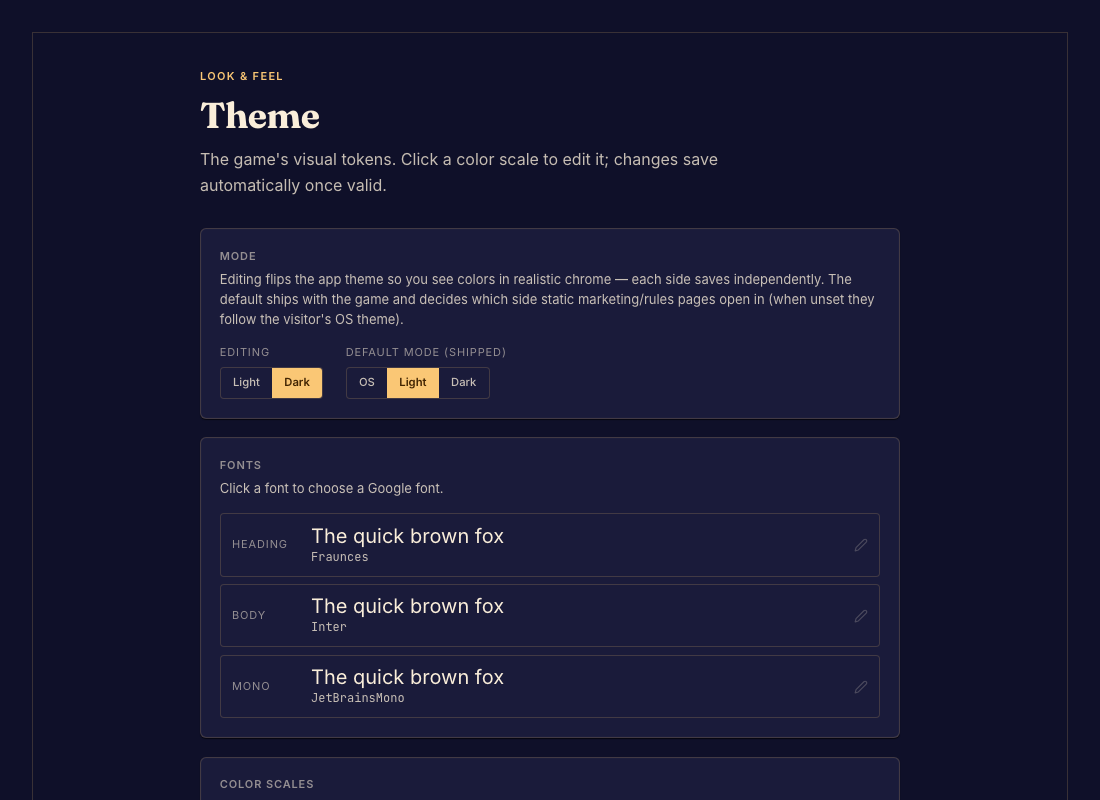
Edit and inspect the theme
- Open Theme and inspect the current settings. Done when you can identify the colors, fonts, and backgrounds your game uses.
- Change the intended values and save. Done when the preview reflects the saved theme.
- Inspect the board, rules, and game page in the available light and dark modes. Done when text is readable and the surfaces feel consistent.
- Commit the changes. Done when the playable version includes the updated theme.
When a change does not appear
A component using a hardcoded color may not follow a theme token. Ask your coding agent to use the theme, or consult Game theme format for the technical contract.