Play your first game
You can play in your browser. Start with a game that fits your group, then invite people to the same match.
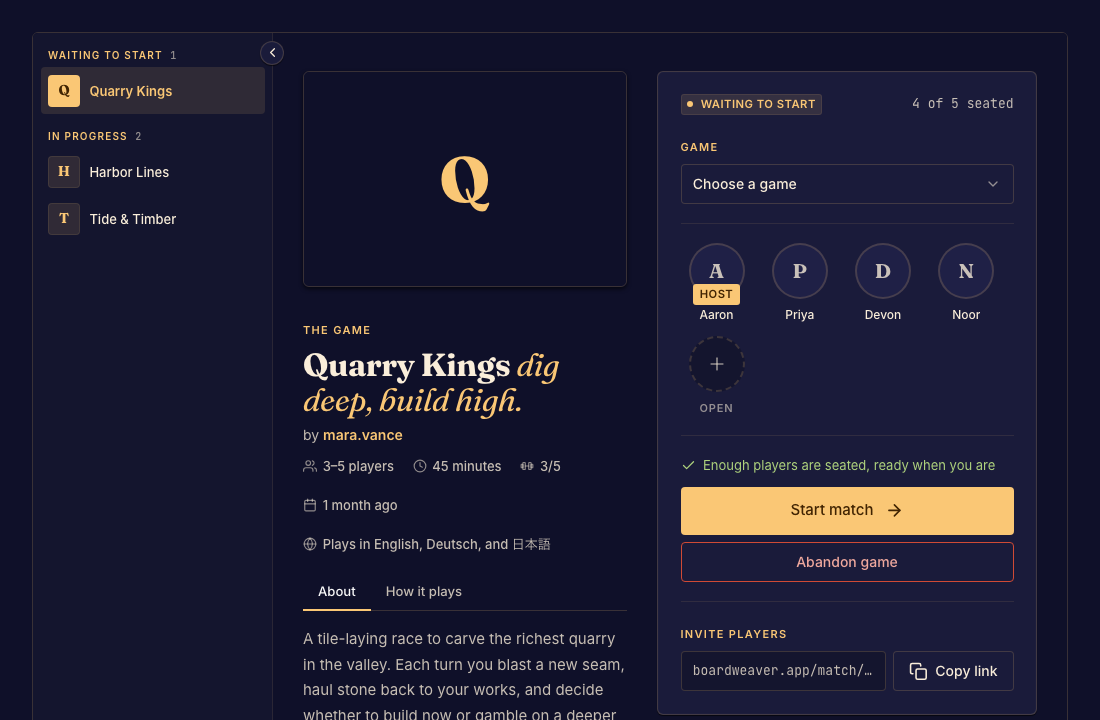
From browsing to your first move
- Open Play and find a game. Read its description, player count, and rules. Done when you have chosen a game for your group.
- Start a match, or join the match link someone sent you. Sign in if asked. Some games allow guests. Done when your name appears in the lobby.
- Wait for the host to start once enough players have joined. Open the rules from the match controls. Done when you can see the board and know whose turn it is.
Coming back later
Keep the match link, or open your matches. Each game supplies its own move controls. See Game controls for the controls around the board.