Join an event table
Event tables let a room share games through short codes and QR cards. The organizer chooses whether guests may join and how games start.
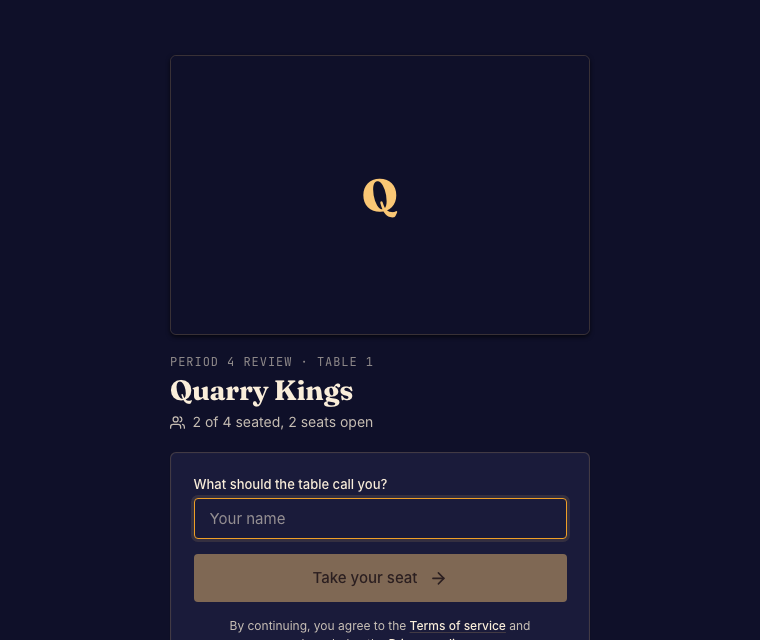
Join the table
- Scan the table's QR code, open its link, or enter the code at Join a table. Done when the table page opens.
- Sign in or enter a guest name when offered. Accept an available seat or join the waiting group. Done when your place appears on the table page.
- Follow the waiting message. Some tables start automatically; others need the organizer to start them. Done when your group enters a match.
Between games
Return to the table page for the next game. A paused table is not accepting a new start; ask the organizer when it will resume. If a code stops working, check the printed card with the organizer before making a separate match.