Choose a language
The app's language choices and a game's translations are separate. The public app currently ships in English; other app translations are available for preview to admins.
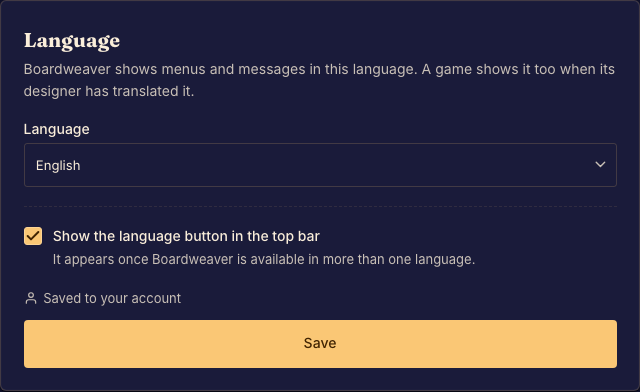
Choose a preference
- Open Language settings. This page is available even when signed out or when the language button is hidden. Done when the available language choices appear.
- Select an offered language and save. Done when the interface reflects the saved choice.
- Check the game's listed languages before playing. Done when you know whether it supplies the translation you want.
A signed-in preference belongs to your account. A signed-out preference is stored in the browser when storage is available. A game can fall back to a language it supplies when it has no matching translation.
Choosing an app language does not translate text that a designer has not localized.