Give playtest feedback
A playtest may ask for feedback after the match. The designer chooses the questions, so forms differ between games.
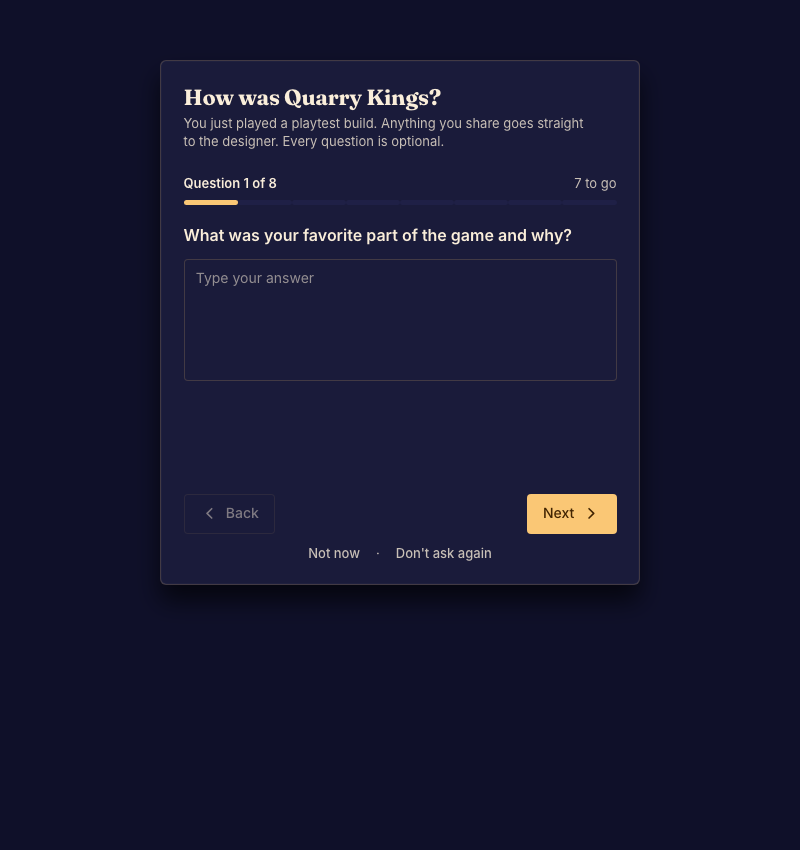
Send feedback
- Open the feedback form when it is offered after play. Done when the first question appears.
- Answer using the controls provided, such as text, a rating, or choices. Move through the questions. Done when the form accepts the answers you want to send.
- Submit the form and wait for confirmation. Done when the form reports success.
You can dismiss a form if you do not want to answer it. A form that is not offered cannot be enabled from player settings.
For useful feedback, name the moment that confused you, what you expected, and what happened. For a loading failure, see Fix a connection or loading problem.