Create an account
An account lets you return to your matches and use the same identity across devices.
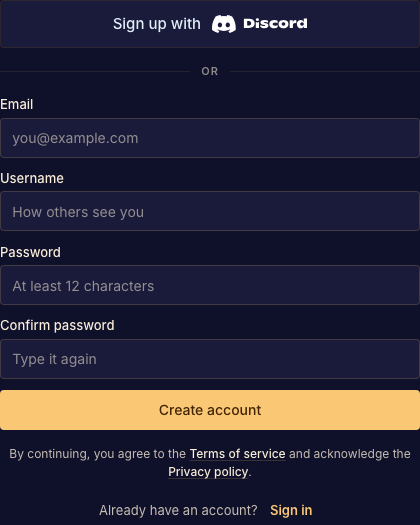
Sign up or sign in
- Open the account menu or follow a match link that asks you to sign in. Choose email sign-up or Discord. Done when the appropriate sign-in form opens.
- Complete the form or Discord authorization. Use the same method when returning to an existing account. Done when your account appears in the app.
- If you signed up by email, open the verification email and follow its link. Done when Boardweaver confirms your email address.
Verification confirms the address; it does not sign a different browser into your account. If you lose access, follow Recover account access. If you already played as a guest, use Keep account to preserve that identity.