Play as a guest
Guest play is available only when the game or event permits it. A guest uses a name and a browser session without creating a full account first.
Join as a guest
Open the match link or table code. When offered guest entry, enter a name people at the table will recognize. Continue until your name appears in the lobby or queue.
A game can allow guests to join while still requiring an account to host. Event tables have their own guest policy, so access at an event does not imply access to ordinary matches.
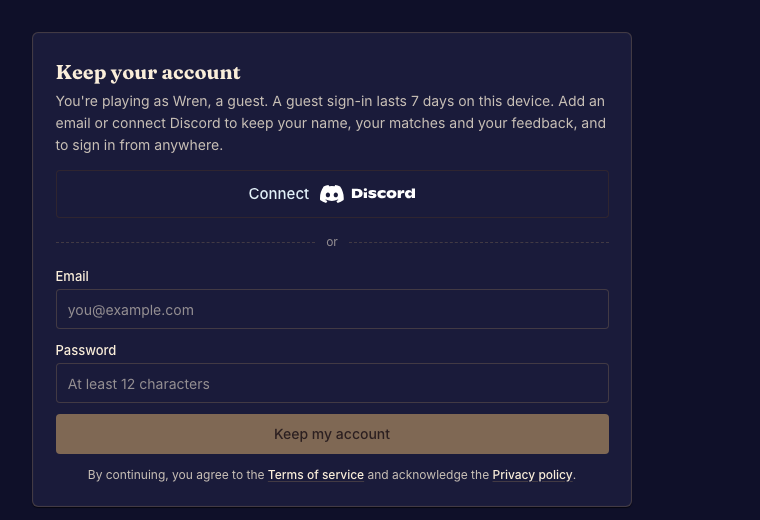
Keep your account
Open Settings and use Keep account to add sign-in credentials to your guest identity. Complete that step before switching devices or clearing browser data. Losing a guest session can prevent you from returning as the same player.
For an existing account, sign in with that account rather than creating another guest.