Watch a replay
A replay lets you inspect a completed match without changing its result.

Open and navigate a replay
- Find the finished match in your history and open its replay. Done when the replay board and move controls appear.
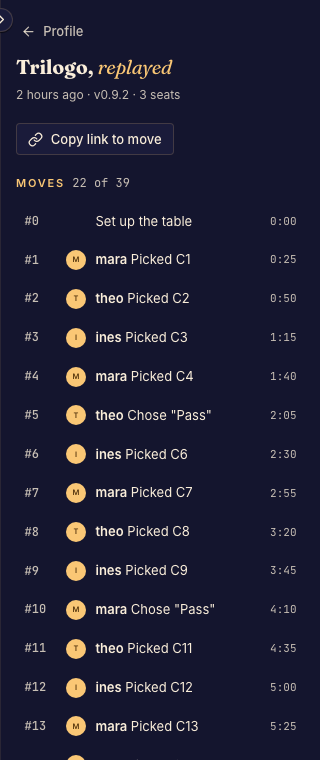
- Use previous, next, play, speed, or the move slider to reach the moment you need. Done when the move count and board show that position.
- Use the move log to follow the sequence. Preserve any move link offered by the interface when sharing a particular moment. Done when reopening the link reaches the intended replay position.
Viewer perspectives
A player sees the information permitted for their seat. Framework preview replays show seated players their own seat and other viewers the spectator view, including editors. For older framework games, editors can choose among the available player views.
Replay controls do not reveal hidden information that your view is not allowed to receive.