Edit your profile
Your profile is the identity other players see. Keep private contact details out of your public description.
Update your profile
- Open your profile from the account menu. Done when you can see your own profile and its edit controls.
- Edit your profile details or About text and save. Done when the updated text appears outside the editor.
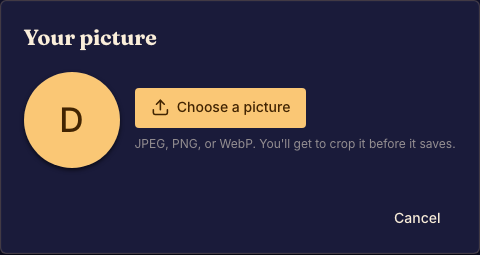
- Choose a profile picture, adjust the crop, and confirm the upload. Done when your new avatar appears on your profile.
Check the result
Look at the name, picture, and description together. An avatar should remain recognizable at the small size used beside a match seat.
Your profile also shows match activity. To manage audio, language, or alerts, use Settings instead.