Find your matches
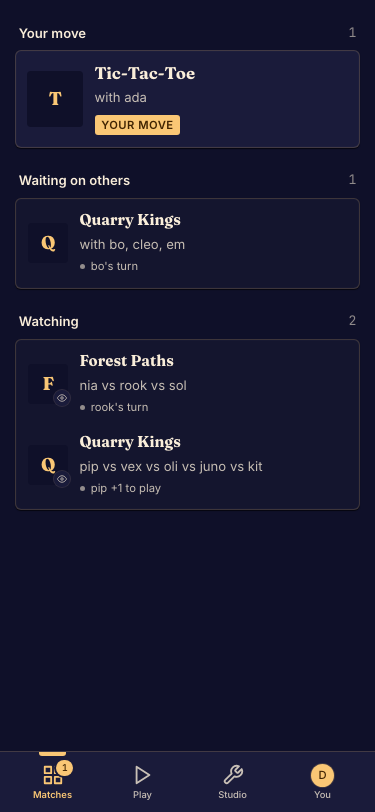
Your matches is the place to return to games that are waiting or in progress.
Return to play
- Sign in with the identity you used to join. Done when the account menu shows the expected account.
- Open Matches and look at the turn indicators. Done when you have found the game you want to resume.
- Open its match. Done when you are back in the lobby or at the live board.
Finished games
Your profile includes match history. Open a completed match's replay when it is available. A guest match belongs to the guest identity that joined it; a different browser or new account is not automatically the same player.
If a match is missing, try its saved link and verify which account you used. See Recover account access if you cannot return to that identity.