Recover account access
Start by checking whether you originally used email, Discord, or a guest session. A password reset is for an email-based sign-in.
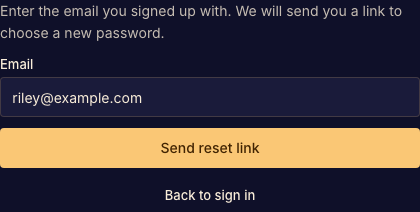
Forgotten password
Open the sign-in form and choose Forgot password?. Enter your account email, follow the reset link, and choose a new password. After a successful reset, Boardweaver signs you in.
If a link is expired or invalid, request a fresh email and use its latest link. Check spam or filtered mail before requesting repeatedly.
Email verification
Use the verification banner to request another verification message when available. Opening a verification link confirms the address but does not sign that browser in.
Guest identity
A guest session has no recovery email until you keep the account. If you still have the session, open Settings and use Keep account. A new guest name does not recover the old guest's matches.