Play again
After a game ends, the host can organize the next game through the match's next-game controls. Some games draw their own results panel.
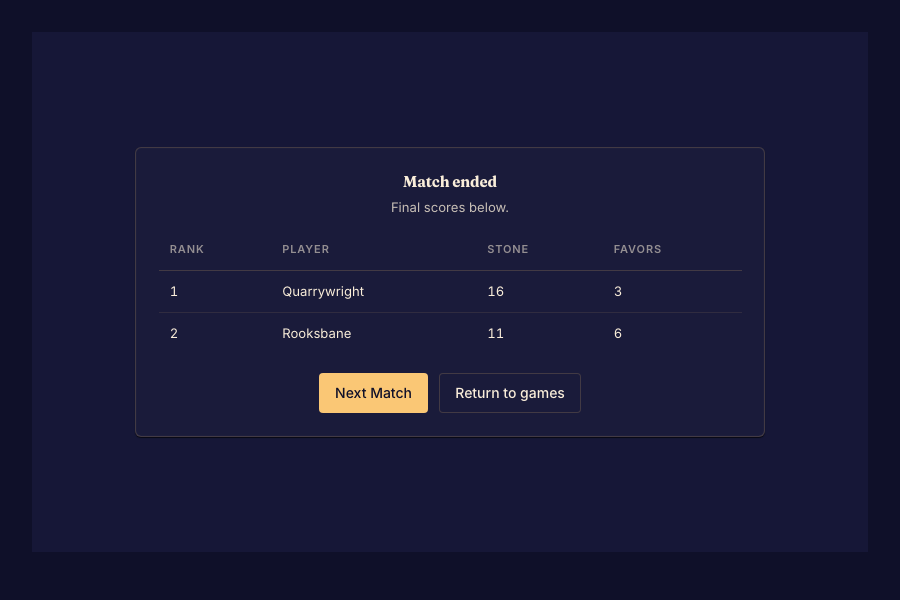
Start the next game
- Wait for the match to finish and open the next-game or rematch controls. Done when the next lobby is offered.
- Have the host choose the game and create the next match. Done when the group can follow the next-match link.
- Check the new lobby's seats and add any bots again. Done when the intended players are present and the host can start.
People from the previous match can continue together. Bot seats are not copied. Changing games can also change the supported player count.
If your game's results screen has no next-game control, return to Play, start a match, and share its link.