Manage notifications
Notifications help you notice when a match needs you. Browser notifications require both a Boardweaver subscription and browser permission.
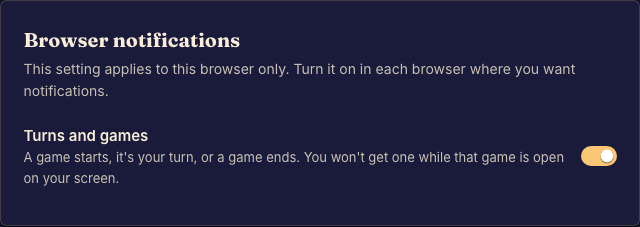
Set up alerts
- Open Settings and choose Notifications. Done when you can see the email and browser options available to you.
- Enable browser notifications on this device and accept the browser's permission prompt. Done when the page shows this browser as subscribed.
- Set your email preferences and save. Done when the saved settings match your choices.
If alerts do not arrive
Check the browser or operating system's notification permission. Permission denied outside Boardweaver must be changed there. A subscription on one browser does not automatically subscribe another.
Use the email's unsubscribe link or notification settings to stop email alerts. On a phone, consult Use Boardweaver on your phone for browser and Home Screen differences.