Edit the rules pages
Rules pages teach people how to play your game. They are separate from the code that enforces moves.
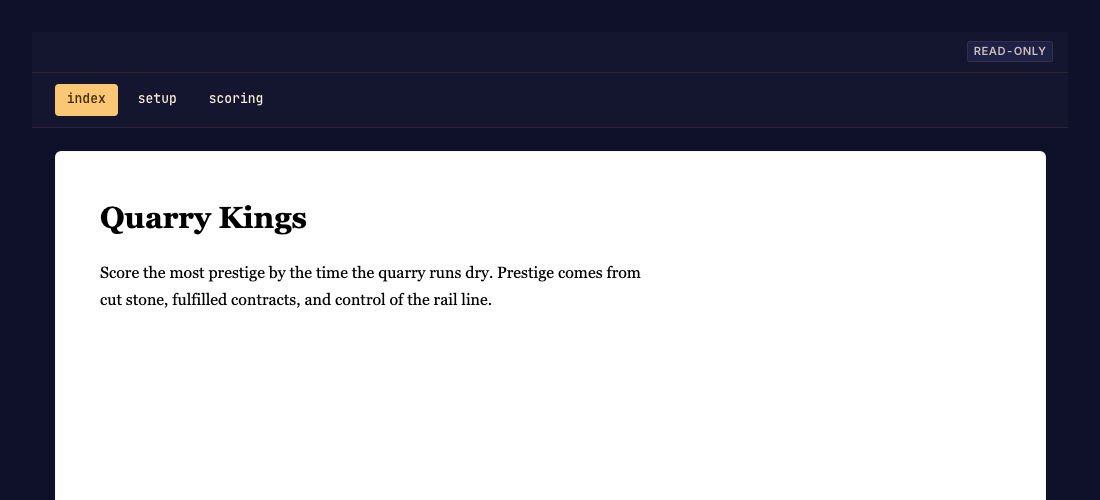
Review and update a rulebook
- Open Rules and inspect the page navigation. Done when you know which page needs changing.
- Edit the authored rules content through the available editor or your coding agent. Use Write rules pages for the file format workflow. Done when the changed page is saved.
- Preview the pages, follow their links, and check a narrow screen. Done when someone can find setup, a turn, and the ending without broken links.
- Commit the changes. Done when the new version serves the updated rulebook.
Invalid drafts
A malformed page cannot become a valid committed page. Read the validation message and fix the named field or file. Preview changes before sending players to the new version.