Find your way around the Studio
The Studio sidebar follows the jobs involved in building and maintaining a game. Your game role determines which controls appear.
| Group | What belongs here |
|---|---|
| Build | Code and, for eligible preview games, translations. |
| Presentation | Art, sounds, theme, rules, game page, and release controls. |
| Health | Statistics, errors, matches, and feedback questions. |
| Access | Members, guest policy, and deletion controls for admins. |
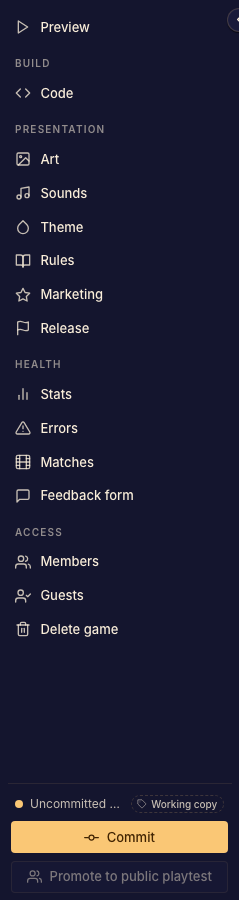
The preview and version controls
Open the preview to try the working game. Use Commit when you want a playable version that can be shared. Release controls choose which committed version is available through a public channel.
Changes to files, commits, and releases are separate operations. Read Game versions and release channels before sharing a link.
If a navigation item is missing, check your role, the game's framework, and feature access.