Save and restore a checkpoint
Named checkpoints are available in TypeScript game previews. They save a test position, not your source files or a released version.
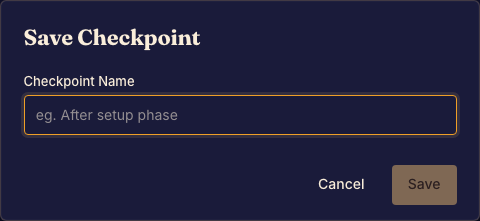
Save a useful position
- Play the preview to the situation you want to revisit. Done when the position demonstrates your test case.
- Open the checkpoint controls and save it with a recognizable name. Done when the checkpoint appears in the list.
- Make further moves, then restore that checkpoint. Done when the preview returns to the saved position.
- Delete checkpoints that you no longer need. Done when they disappear from the list.
After code changes
A saved position may no longer make sense after changing the game's state structure. Start a fresh preview when needed. Use Commit a game version to preserve code.
Framework preview games use replay and restart controls instead of this named-checkpoint workflow.