Commit a game version
A commit turns saved working changes into a playable version. It does not automatically open public playtesting or publish the game.
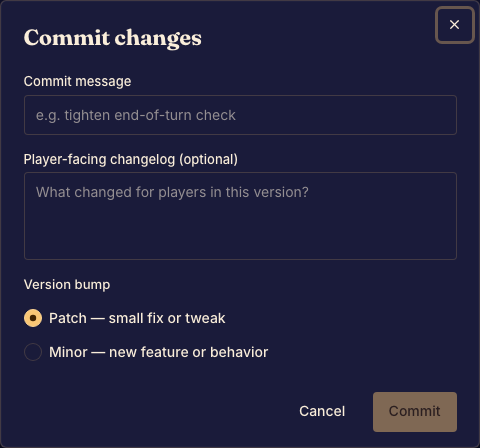
Create a version
- Save your edits and preview the game. Review the uncommitted-change indicator. Done when the working game is ready to share.
- Open Commit. Choose the offered patch or minor version increment and add the requested commit message or changelog. Done when the dialog describes the version you intend to create.
- Confirm and wait for validation and the build. Done when Studio shows the new committed version.
If the commit fails
Read the validation or build error, fix the affected source, and try again. A failed commit does not mean your draft became a playable release.
Use Game versions and release channels to decide where the new version should be available.