Create a feedback form
Editors can choose the questions players answer after a playtest. Custom form editing requires the creator's feedback-form entitlement.
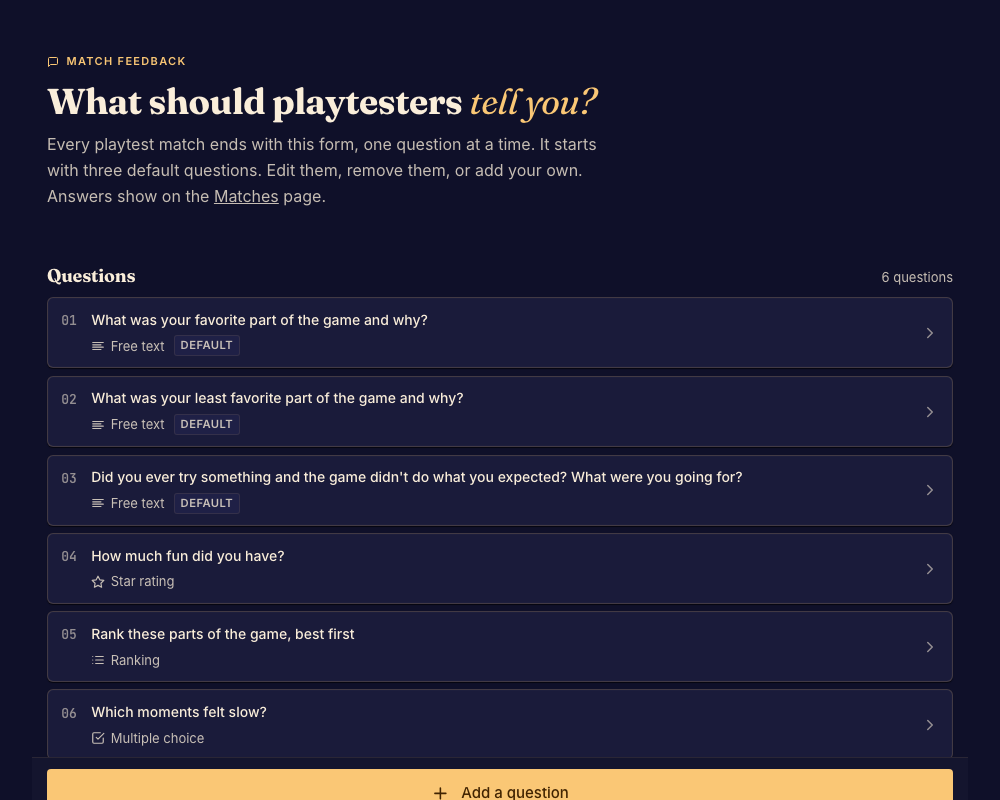
Build the form
- Open Feedback form and review the current questions. Done when you know which feedback you need from this test.
- Add or edit questions using the answer kinds offered by the editor. Supply choices for questions that need them. Done when every question has a clear prompt and valid answer controls.
- Put the questions in the intended order and save. Done when validation accepts the form and the saved order is visible.
- Finish a test match and inspect the form players receive. Done when the questions make sense in that context.
If the form is read-only
Check the creator's plan and your role. The upgrade message does not mean the existing answers are lost.
Read submitted answers in Review matches and feedback.