Edit the game page
The game page helps people decide whether to play. Its description, artwork, and play buttons should set the same expectations as the game itself.
Prepare the page
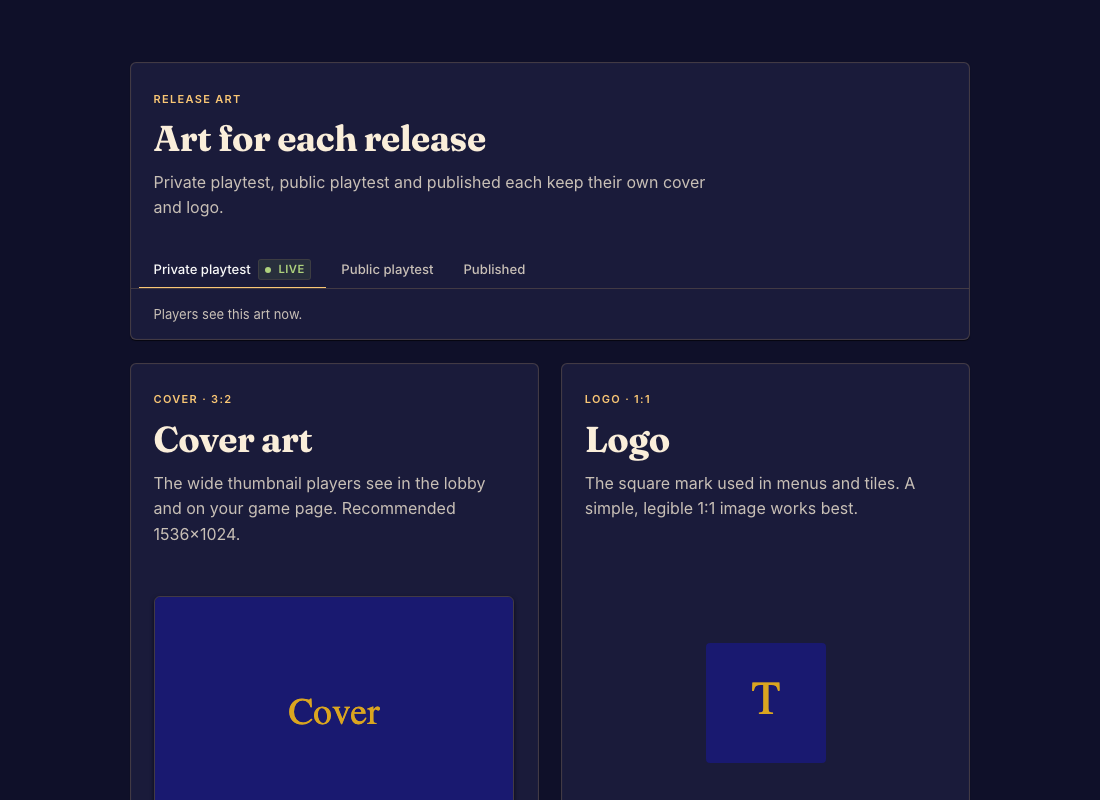
- Open Marketing in the Studio sidebar. Review the release-art channel and its cover and logo. Done when you know which channel's presentation you are editing.
- Upload or replace the cover and logo in their presentation controls. Done when the listing preview uses the intended images.
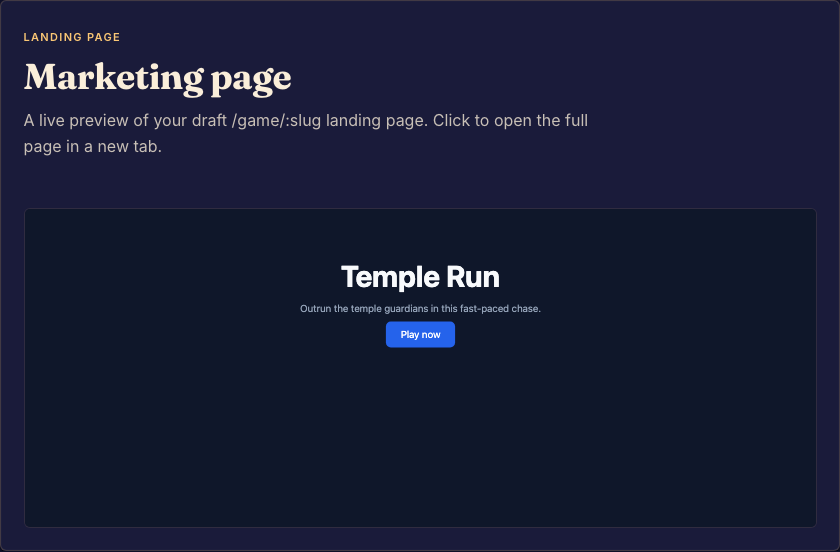
- Edit the game page's content and preview it. Check the Rules and Play destinations. Done when the page is readable on a phone and sends people to the intended game.
- Commit the changes and review the relevant release channel. Done when the shared version has the expected presentation.
Cover and logo images are separate from named assets used inside the page. A public channel can still show an older committed version until you update its selection.