Manage artwork
Artwork uses named asset keys so your game can refer to images consistently. Editors and admins manage the game's assets.
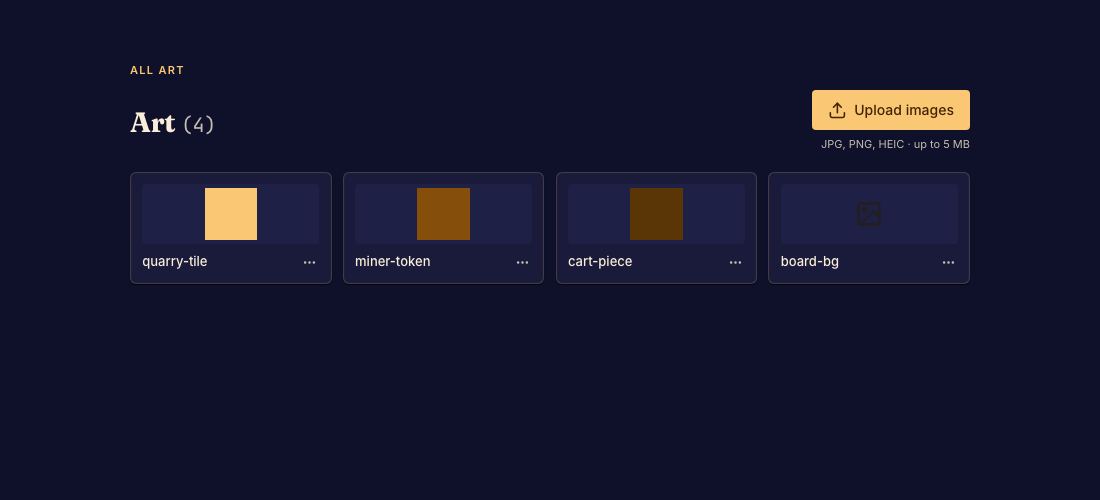
Add or update art
- Open Art in the Studio sidebar and upload an image. Choose a valid asset name when prompted. Done when its thumbnail appears in the gallery.
- Preview the image and check its appearance in the game. Done when the expected piece or board element uses it.
- Replace, rename, or remove an asset through its controls when needed. Update code references after renaming or deleting. Done when the preview has no missing-image notices for the affected asset.
- Commit the finished change. Done when the new version includes the artwork.
Gameplay art and catalog art
Cover and logo slots for the game's listing live with the game-page presentation controls. They are separate from named gameplay assets. See Edit the game page.