Create an event
An event creates tables that people join by code or QR link. The organizer needs event access and an eligible game channel; they do not have to be the game's editor.
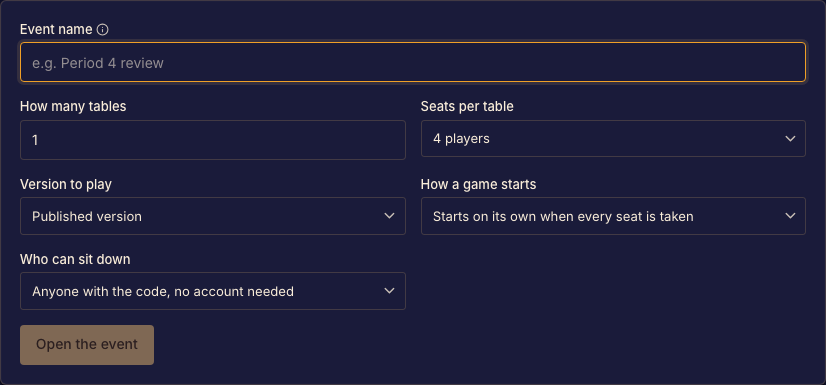
Set up an event
- Open Events and start a new event with the game you intend to host. Done when the setup form identifies the correct game and channel.
- Choose the table count and supported seats per table. Done when the room layout fits the group you expect.
- Set guest access and the start policy. Done when the policy matches whether attendees should sign in and whether games should start automatically.
- Create the event. Done when the organizer page shows its tables and codes.
Before people arrive
Check one table's join flow while signed out. Use Share and display table codes to prepare the room, then Run event tables during play.