Run a private playtest
Private playtesting lets invited members play a committed version while the game is still being developed.
Share a test
- Commit the version you want tested. Done when Studio shows a successful playable commit.
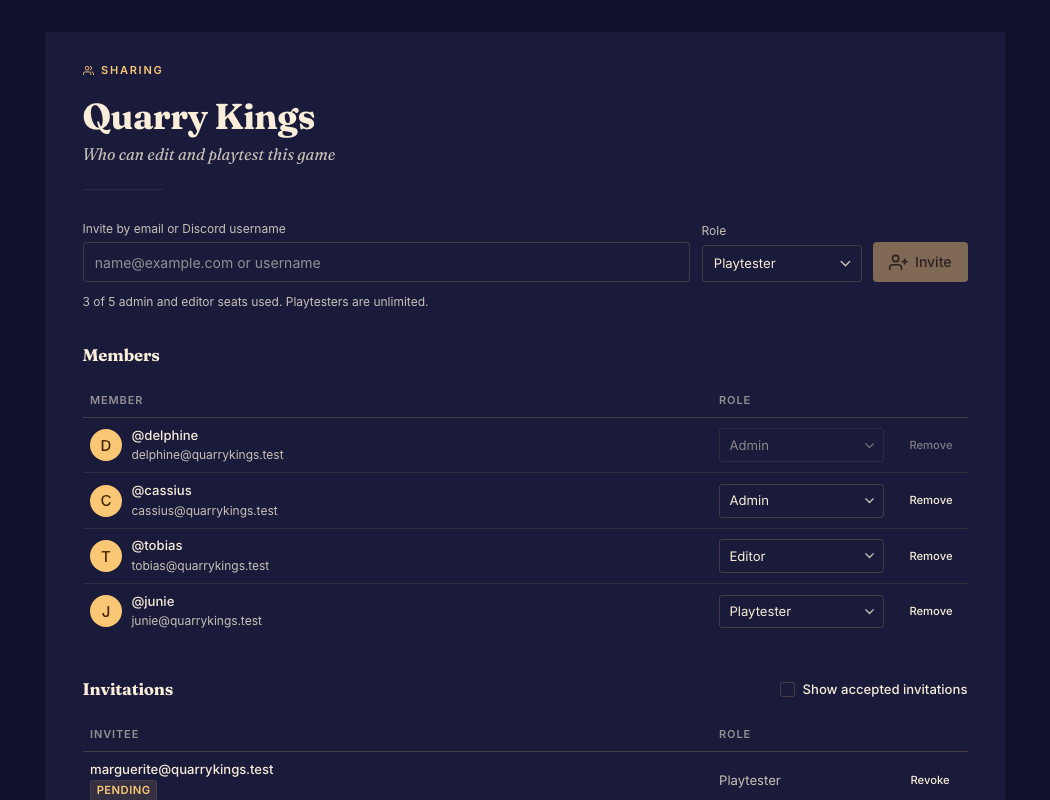
- Invite the testers with the playtester role and have them accept. Done when they appear as game members.
- Start a private playtest match and share its match link. Done when the invited group is seated in the same lobby.
- Review the finished session in Matches. Done when you can connect the result and feedback to the tested version.
A match link does not replace game membership. Guests use a separate policy; see Allow guest play.
New edits remain in the working game until committed. Existing matches keep the version they started with.