Create a game
Sign in before creating a game. A project gives you a workspace, a preview, and the controls for sharing committed versions.
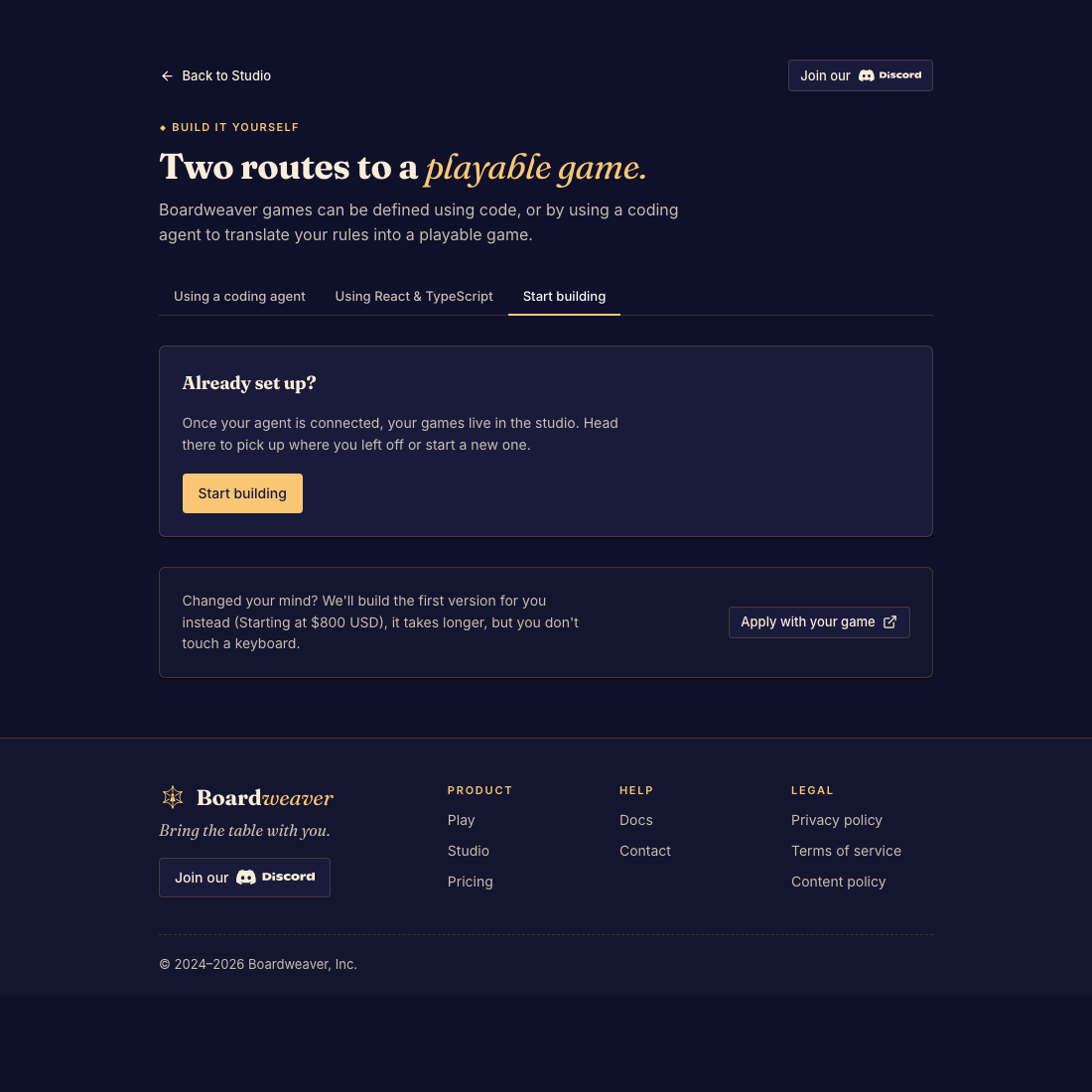
Create and reopen a project
- Open Studio and choose the create-game entry point. Done when the creation flow opens.
- Give the game a name and complete the flow. If using a coding agent, follow Connect a coding agent. Done when the new game appears in your Studio dashboard.
- Open the game from the dashboard. Done when you can see its preview and sidebar.
Framework selection
New games use the stable framework by default. Framework v3 is an opt-in preview available to everyone. Ask your coding agent to create the game with frameworkVersion set to 3, then use its matching documentation.
Changing the game name is different from upgrading its framework. See Game versions and release channels.