Read game statistics
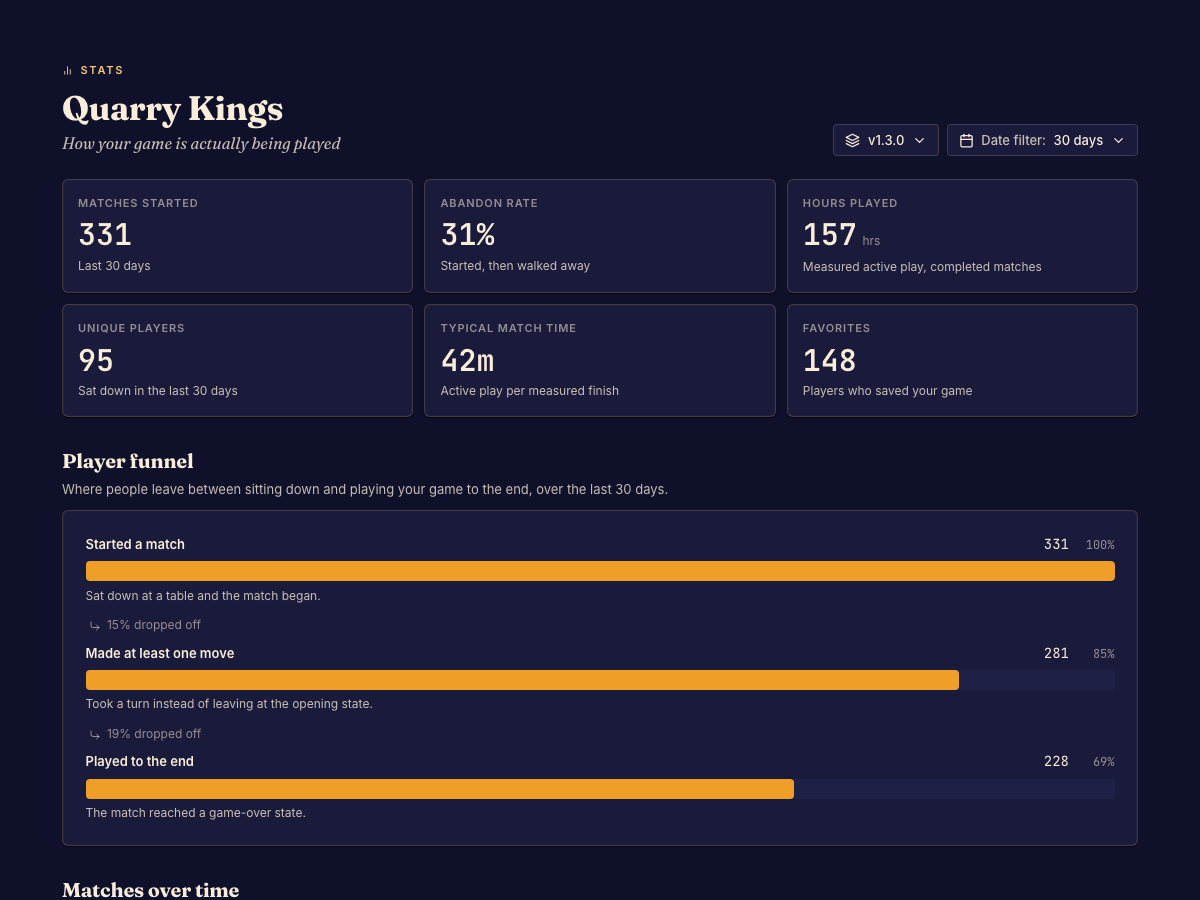
Statistics summarize recorded play. Filters determine which matches contribute to the view.
| Measure | How to use it |
|---|---|
| Starts and finishes | Compare how often play begins and reaches completion. |
| Moves | Inspect how much play occurs in the selected matches. |
| Duration | Compare session lengths across the available filters. |
| Score categories | Inspect the categories the game reports, where supplied. |
Choose a useful comparison
Open Stats and set the date and version filters before interpreting a chart. Compare versions with enough play to make the comparison meaningful. An empty chart can mean no matching records, not a zero score for every player.
A game's score model determines which categories exist. Statistics cannot infer a mechanic that the game does not report. Open Matches to investigate individual sessions behind an unexpected pattern.