Write a game page
The game page helps a player choose the game and reach its rules or lobby.
1. Plan the reading path
Choose the game's premise, a short explanation of play, and the next action. Review its metadata and theme before choosing typography or artwork.
Done when the content explains the experience and identifies where Play and Rules belong.
2. Build the page
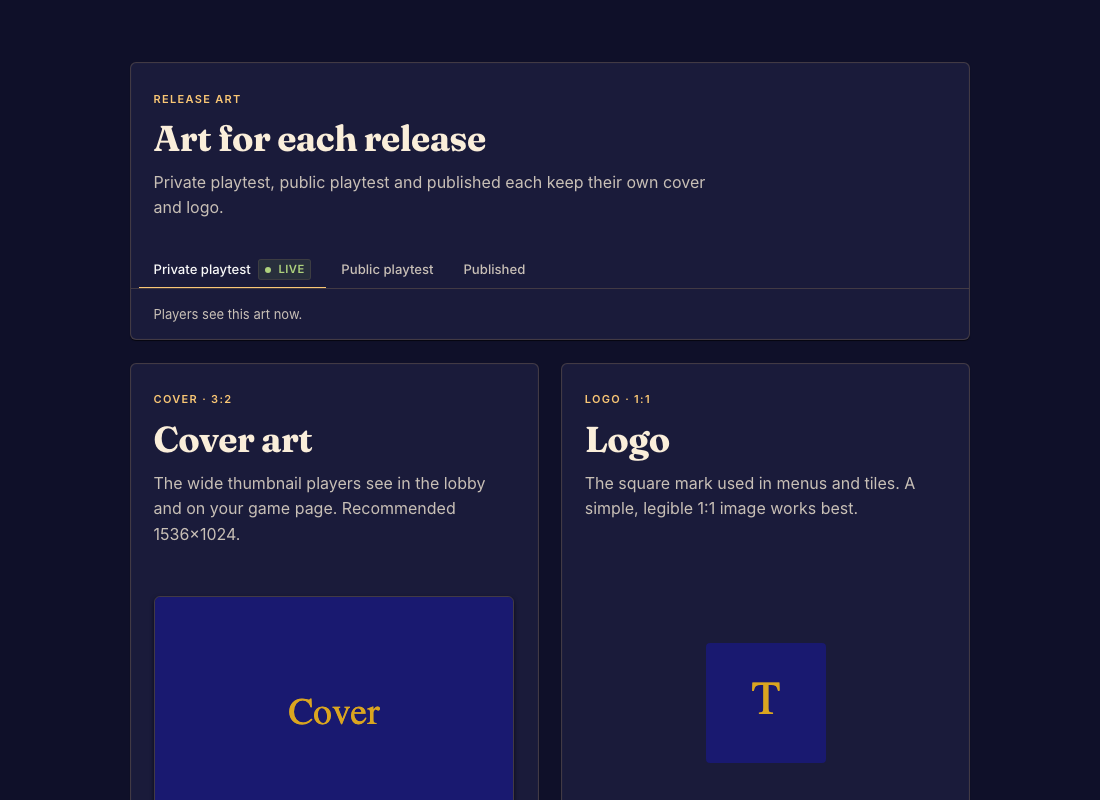
Write /src/marketing/index.bwss using Game page format. Use uploaded image keys for page art. Use upload_marketing_image for the separate cover and logo slots.
Done when the page has the intended text, art, and platform-owned action buttons.
3. Preview and commit
Run validate_code. Inspect the page at phone and desktop widths and in each supported color mode. Check Rules, Play, and every internal page link. Call commit after fixing any failures.
Done when the committed page is readable and its controls reach the correct game destinations.